Solutions
Track every device you lease or lend, all in one place.
Laptops for students, monitors for nurses, receivers for event guests. Devitrak shows who has each device and whether it came back.
- LT-2240 LaptopAssigned to D. Park

Devices for your team
Check out laptops, radios or monitors to your staff. See who has what at a glance, and export the list to Excel anytime.
How device tracking works - LT-1190LaptopStudent 40822Due Oct 28
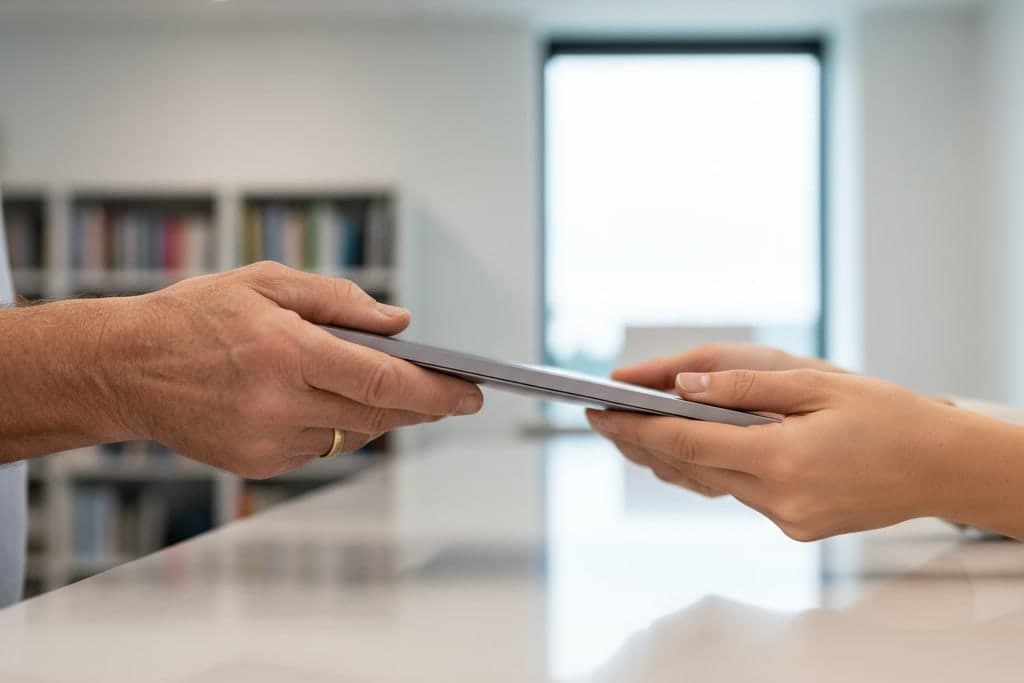
Loans with a due date
Lend devices to students, interpreters or contractors. If one comes back late, Devitrak emails a reminder for you, to a parent or guardian when the borrower is a minor.
See it by industrySee it asShowing the school example.
- RX-0033 ReceiverFall SummitDeposit held

Devices at your events
Guests scan a QR code, sign up on their phone and pick up a device at your desk. Need a deposit? Hold it on their card with Stripe and release it when the device comes back.
How events work
Sample data
Getting started
Start from the list you already keep.
Three steps from your spreadsheet to your first hand-out.
Step 1
Import your devices
Copy your list into our spreadsheet template and upload it (.xlsx, .xls or .csv). Or add devices one at a time, as a serial-number range, or with a USB or Bluetooth barcode scanner.
Step 2
Add your people
Invite your team and pick each person's role. Bring in the people you lend to from a template, too.
Step 3
Start handing out
Assign devices from the admin. At events, share a QR code and guests sign themselves up.
Features
Organize it once. Find it in seconds.
Put each device in its place, find it with one search, and see everyone who's had it. It works the same for a school, a clinic or a rental warehouse.
Search
Find anything in one search
Press ⌘K anywhere in the admin, or use the search at the top. Type a serial number, a name or an event, and devices, people and events come back in one list.
How search worksInventory
- TB-0412 TabletMain Office Cabinet B Slot 12
Assigned
- K. Mensah · TB-0412Overdue 2d
Staff
Events
Organize
Organize by place, group and brand
Set up locations down to the building, room, shelf or cart. Sort devices by group, category and brand, and mark each one owned or rented in, with the date it goes back.
How locations workClinic A188 devices
2nd floor112 devices
1st floor76 devices
Warehouse120 devices
Shelf A48 devices
Main Campus430 devices
Media Center96 devices
Library54 devices
History
See every device's history
Open any device to see where it belongs, who has it now and everyone who had it before.
How device tracking works- Due date passedOct 12
- Added to inventoryMain Office Cabinet B Slot 12Sep 3
- Assigned to L. OkonkwoDue back Sep 26Sep 12
- Returned by L. OkonkwoSep 26
- Assigned to K. MensahDue back Oct 12Sep 28
And the everyday details
Overdue reminders by email
Once a loan's due date passes, reminder emails go out on their own until the device is back.
Loans with a due dateReports you can export
Download inventory, staff and event reports, and your borrower lists, to Excel whenever you need them.
Signed device agreements
Have staff, borrowers and guests sign your device agreement online.
Returns, lost or damaged
Check devices back in, and record any that come back damaged or not at all.
The right access for each person
Give each teammate a role, see who did what in the activity log, and turn on two-step sign-in.
Learn moreEmails with your logo
Turn on your logo and brand color for the emails Devitrak sends.
Extra for events
Events · not on school accountsQR sign-up
Guests scan your event's QR code and sign themselves up on their phone, or your desk registers them.
Learn moreCard deposits
Set an optional deposit per item. It's held on the guest's card through your own Stripe account and released when the device comes back.
Learn moreLost-device fees
Charge for a device that doesn't come back, in cash, or by card once Stripe is connected.
Industries
Set up for the way your team lends.
A rental warehouse, a school and a conference desk don't hand out equipment the same way. Pick your industry to see how Devitrak fits it.
- MX-0207MixerRented in · Back Oct 30
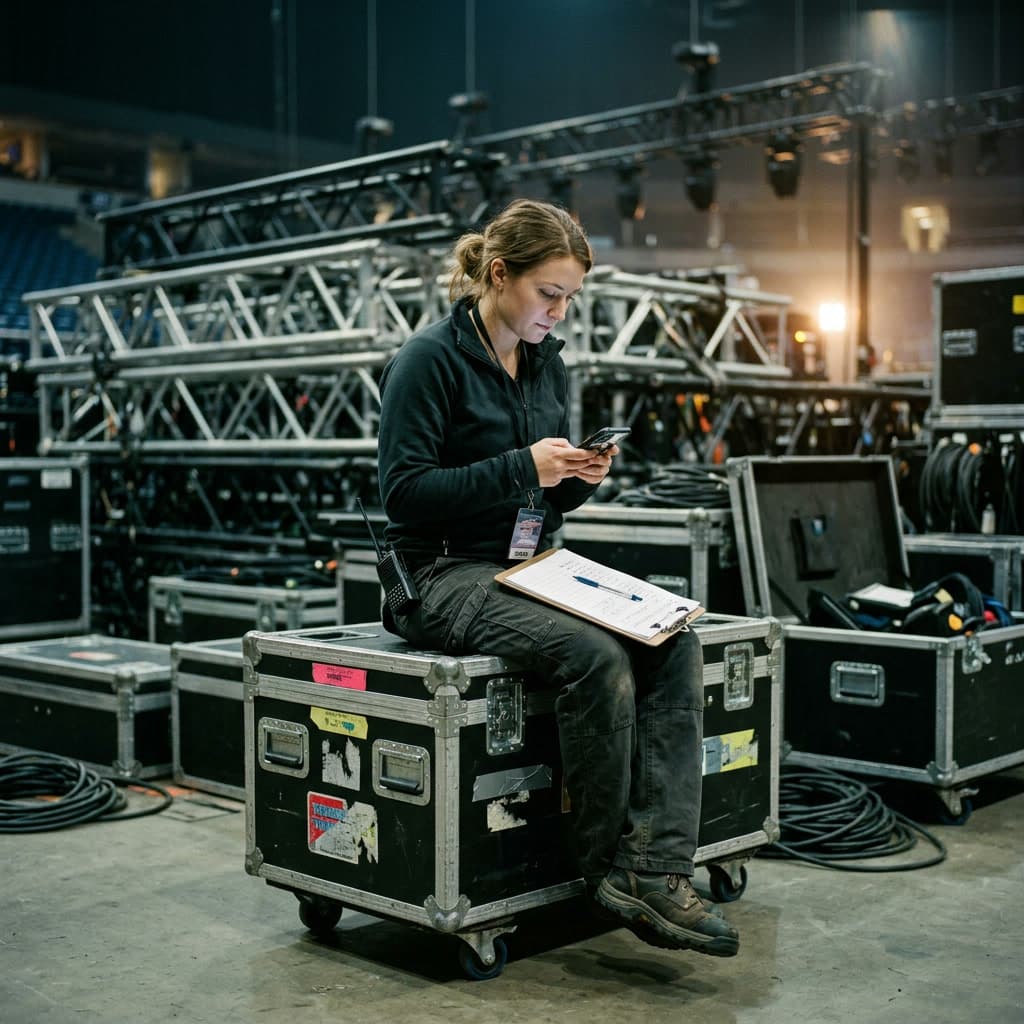
AV & Event Rentals
Tracks mixers, mics, receivers and road cases.
Check gear out to your crew, mark rented-in gear with its return date, and take card deposits from event guests.
Devitrak for AV & event rentals - RX-0391 ReceiverAttendee A-2291

Conferences & Event Organizations
Tracks interpretation headsets, receivers and transmitters.
Attendees sign up by QR code at registration, hand receivers back at the desk, and a lost one can carry a fee.
Devitrak for conferences - LT-2207 LaptopReturned by Priya N.In stock

Corporate IT & Field Operations
Tracks laptops, phones, tablets and field tools.
Check devices out to employees at every site, have them sign your device agreement, and see each laptop's full history.
Devitrak for IT & field teams - LT-1187 LaptopStudent 40817Due Oct 28

Education
Tracks Chromebooks, laptops, hotspots and carts.
Lend to students with a due date. Each minor has a parent or guardian on file who gets the overdue emails. No deposits or fees.
Devitrak for schools - VM-0207 MonitorNurse K. Lee
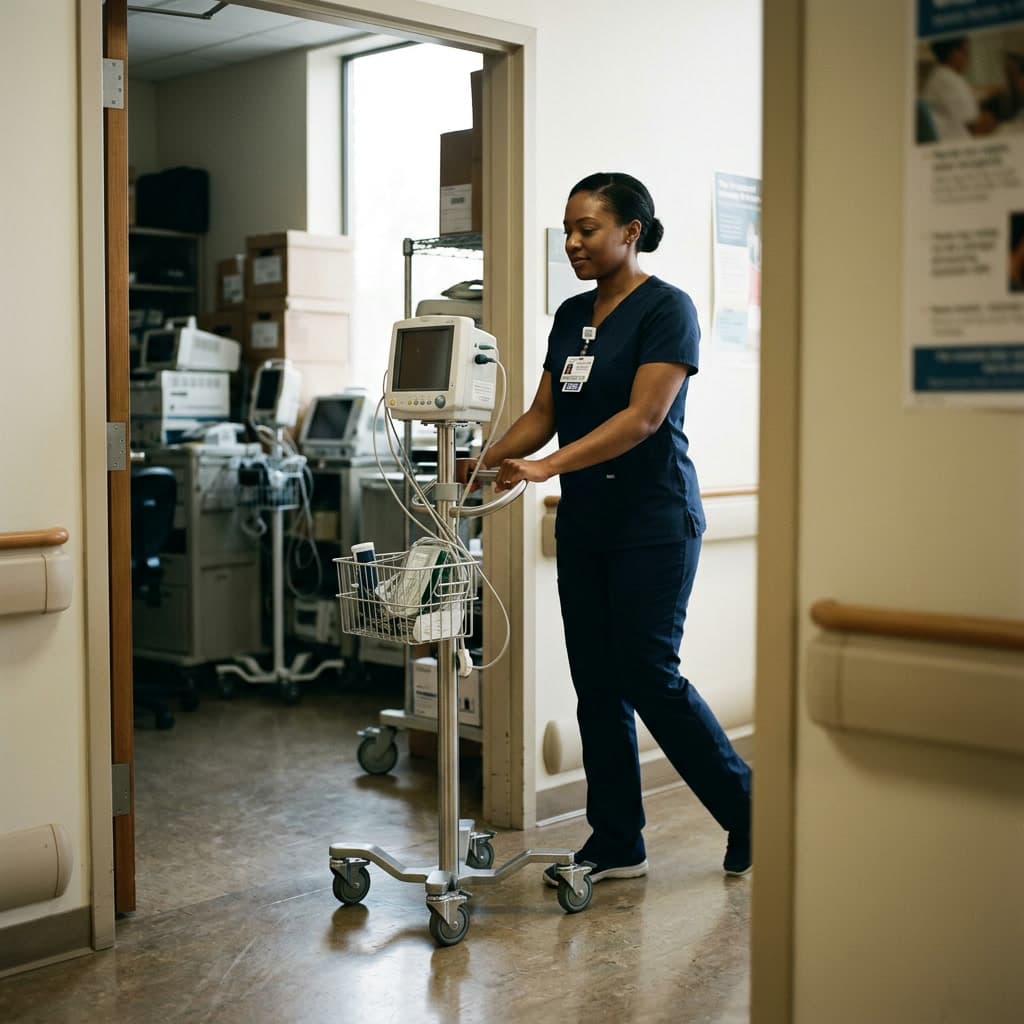
Healthcare & Clinics
Tracks tablets, portable monitors, carts and scanners.
Check devices out to clinical staff across clinics, floors and departments, and see each device's full history.
Devitrak for clinics - RD-0112 RadioGroup: Field kit 07 · Depot

Nonprofits & Humanitarian Orgs
Tracks laptops, radios, phones and field kits.
Group gear into field kits by program or depot, check it out to your team, and export a report whenever you need one.
Devitrak for nonprofits
Don't see yours? Pick your industry when you sign up, and Devitrak names your borrower list to match: Students, Interpreters, Contractors or Renters.
Sample data
What kinds of devices can Devitrak track?
Anything you can give a serial number: AV gear, interpretation receivers, laptops and tablets, clinical equipment, radios and field kits. You choose the categories, brands and groups, and where each device lives.
Will Devitrak fit our kind of organization?
You can hand devices to three kinds of people: your own staff, the people you serve, and guests at your events. When you sign up you pick your industry, and the people you serve are listed under your industry’s word, such as Students, Interpreters or Contractors. Their loans carry a due date; staff check-outs are recorded against the person without one. School accounts add parent or guardian contacts for minors and leave out event sign-up, deposits and fees.
What happens when a device doesn’t come back?
Loans with a due date show as overdue once the date passes, and Devitrak emails a reminder automatically until the device is back; for a minor, it goes to a parent or guardian. You can record a return as lost or damaged. At events, you can also charge a lost-device fee in cash, or by card once your Stripe account is connected.
Do we have to take deposits?
No. Deposits are optional and only part of event check-out: you set an amount per item when you create the event. It’s a hold on the guest’s card through your own Stripe account, and staff release it when the device comes back. School accounts don’t take deposits or fees.
How do we find a device?
Press ⌘K (Ctrl+K on Windows) or use the search at the top of the admin. Type a serial number, a name or an event, and matching devices, people and events come back in one list.
Can we bring our existing list?
Yes. Copy your devices into our spreadsheet template and import it as .xlsx, .xls or .csv; the column names must match the template. Rows that repeat a serial number are left out, and the import tells you how many. You can also add devices one at a time, as a serial range, or with a USB or Bluetooth barcode scanner, and import the people you lend to from a template.
Do you send text message reminders?
No. Reminders and notices go out by email, and they can carry your organization’s logo and colors.
Do we need to install anything?
No. Devitrak’s admin runs in the browser. At events, attendees sign up by scanning a QR code with their phone and request a device at your check-in desk.
Tell us what you lend. We'll show you how it looks in Devitrak.
Book a demo to walk through it with your own devices, or request a 30-day trial and we'll set it up with you.